Computer Vision with PyTorch: Building Real-World Applications
Hands-on guide to building computer vision applications using PyTorch. Object detection, image segmentation, and deployment strategies.
April 10, 2026 · 534 views
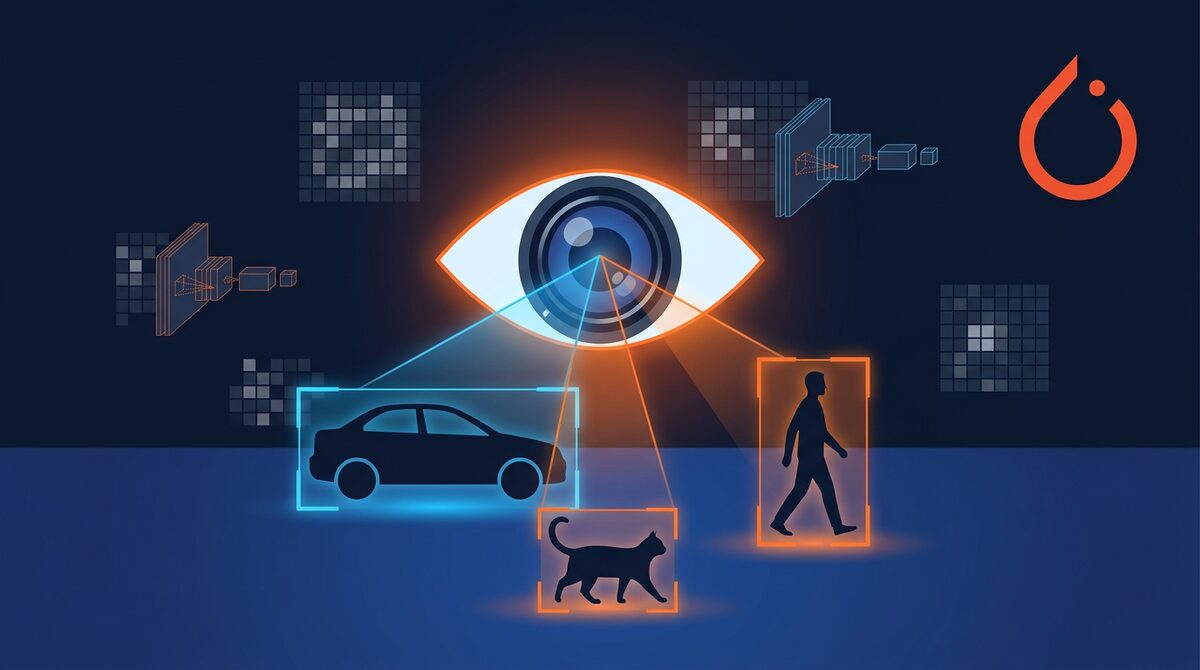
Table of Contents (7)
Computer Vision in 2026
Computer vision continues to advance rapidly, with applications in autonomous vehicles, healthcare, agriculture, and manufacturing. PyTorch remains the go-to framework for CV research and production.
Getting Started
import torch
import torchvision
from torchvision import transformsDefine transforms
transform = transforms.Compose([
    transforms.Resize((224, 224)),
    transforms.ToTensor(),
    transforms.Normalize(mean=[0.485, 0.456, 0.406],
                        std=[0.229, 0.224, 0.225])
])Load a pre-trained model
model = torchvision.models.resnet50(weights='DEFAULT')
model.eval()
Object Detection with YOLO v9
from ultralytics import YOLOmodel = YOLO('yolov9c.pt')
results = model.predict('image.jpg', conf=0.5)
for result in results:
boxes = result.boxes
for box in boxes:
cls = model.names[int(box.cls)]
conf = float(box.conf)
print(f"Detected {cls} with confidence {conf:.2f}")
Image Segmentation
from transformers import pipelinesegmenter = pipeline("image-segmentation", model="facebook/sam2-hiera-large")
segments = segmenter("image.jpg")
Deployment Strategies
- Edge deployment — ONNX Runtime, TensorRT
- Cloud API — FastAPI + GPU instances
- Mobile — Core ML (iOS), TFLite (Android)
- Browser — ONNX.js, TensorFlow.js
Performance Optimization
- Use mixed precision training (FP16)
- Implement gradient accumulation for large batches
- Use data loading with multiple workers
- Profile your model to find bottlenecks
Conclusion
Computer vision is one of the most exciting fields in AI. With PyTorch and pre-trained models, you can build powerful CV applications faster than ever.
Share this article
Written by
AdminThe Topdevguide editorial team — covering AI, software development, and tech career trends across the USA & Australia.